
If random subtitles keep popping up on your screen while watching videos, listening to voice notes, or scrolling social media, you’re probably dealing with Live Caption on Android.
Live Caption is a built-in accessibility feature introduced by Google for Android devices. It automatically generates subtitles for media playing on your phone—even if you’re offline.
For some users, it’s incredibly helpful. For others, it’s just in the way.
If you’re here, you likely want it gone.
This guide walks you through:
-
The fastest way to turn off Live Caption
-
How to disable it permanently in settings
-
Steps for Google Pixel phones
-
How to turn it off on Samsung devices
-
What to do if Live Caption keeps turning back on
Let’s fix it.
What Is Live Caption on Android?
Live Caption automatically creates subtitles for:
-
YouTube videos
-
Instagram Reels
-
Voice messages
-
Podcasts
-
Videos saved on your phone
-
Video calls (in supported apps)
It works system-wide on most modern Android devices running Android 10 or newer.
You don’t need internet for it to function. Everything happens on your device.
Quickest Way to Turn Off Live Caption (2 Seconds)
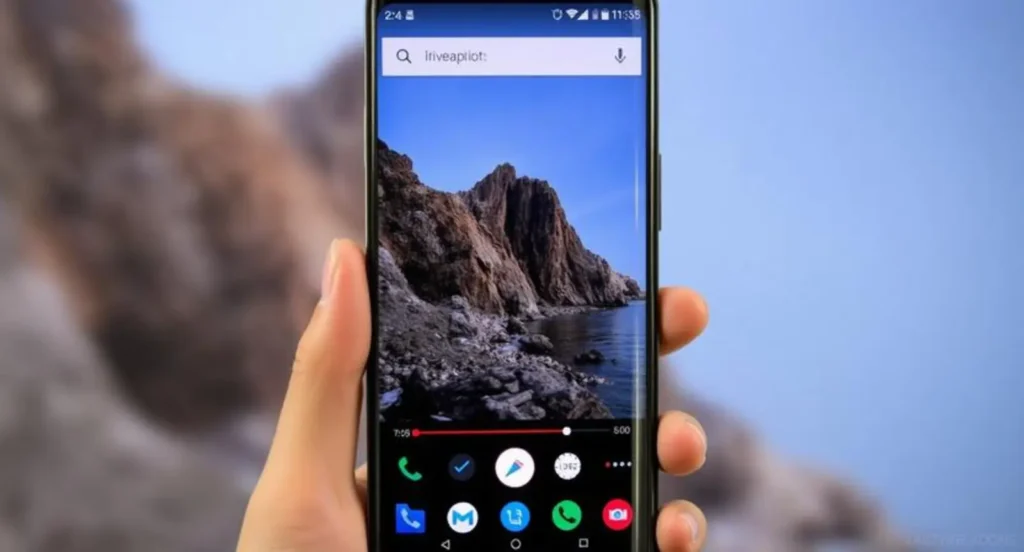
If captions just appeared and you want them off immediately:
-
Press either Volume Up or Volume Down
-
Look at the volume slider panel
-
Tap the Live Caption icon (a small box with lines inside it)
-
Toggle it off
Done.
That’s the fastest method.
How to Turn Off Live Caption in Android Settings (Permanent Fix)
If you want it fully disabled:
-
Open Settings
-
Tap Sound & vibration
-
Select Live Caption
-
Toggle Use Live Caption off
On some devices, the path may be:
Settings → Accessibility → Hearing Enhancements → Live Caption
Turn it off there.
How to Turn Off Live Caption on Google Pixel
On Pixel devices:
-
Open Settings
-
Tap Sound & vibration
-
Tap Live Caption
-
Turn off Use Live Caption
Pixel phones often have quick toggles in the volume panel too.
How to Turn Off Live Caption on Samsung Phones
On Samsung devices:
-
Open Settings
-
Tap Accessibility
-
Select Hearing enhancements
-
Tap Live Caption
-
Toggle it off
Samsung sometimes places the feature inside accessibility rather than sound settings.
Why Does Live Caption Keep Turning On?
This usually happens because:
-
You accidentally tap the Live Caption icon in the volume panel
-
Accessibility shortcuts are enabled
-
Media apps trigger it automatically
-
System updates reset certain toggles
To prevent it:
-
Turn off accessibility shortcuts
-
Disable the Live Caption quick toggle
-
Restart your phone after disabling it
How to Remove the Live Caption Button from Volume Controls
If the icon keeps tempting accidental taps:
-
Go to Settings
-
Tap Sound & vibration
-
Tap Live Caption
-
Turn off Live Caption in volume control
This removes the quick-access button.
Does Turning It Off Affect Subtitles in Apps?
No.
Turning off Android Live Caption does not disable subtitles inside apps like YouTube or Netflix. Those are separate.
You’ll still need to turn off captions inside each app individually if they’re enabled there.
When You Might Want Live Caption Back On
Even if you’re disabling it now, here’s when it can help:
-
Watching videos in public without sound
-
Understanding heavy accents
-
Following unclear audio
-
Assisting hearing accessibility
-
Silent scrolling late at night
It’s useful—just not always needed.
If You Don’t See the Option
If Live Caption isn’t visible:
-
Make sure your phone runs Android 10+
-
Update your system software
-
Check accessibility settings
-
Restart your device
Some older phones don’t support it.
Final Thoughts
Live Caption is powerful, but it’s not for everyone. The good news? You can turn it off in seconds.
Whether you’re on a Pixel, Samsung, or another Android device, the fix is quick once you know where to look.
If you’d like, tell me your phone model and Android version—I’ll give you exact step-by-step instructions tailored to your device.

Daniel Roberts is a tech enthusiast and writer who shares insights on gadgets, software, and innovation trends.